

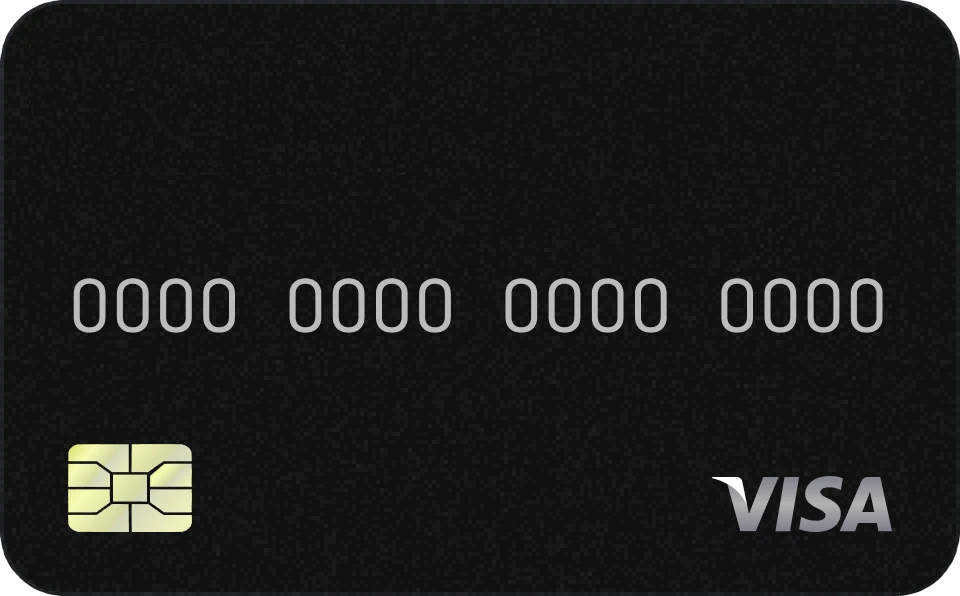
Pay anywhere with the Nexoro card
The card allows you to make payments from numerous places around the world!
Explore the benefits
Become an owner today
Users have already ordered the Nexoro card! Take the opportunity to be among the first to appreciate the benefits of the Nexoro card.
How to get the card?
Becoming an owner of the Nexoro card is easy! Just follow a few steps:
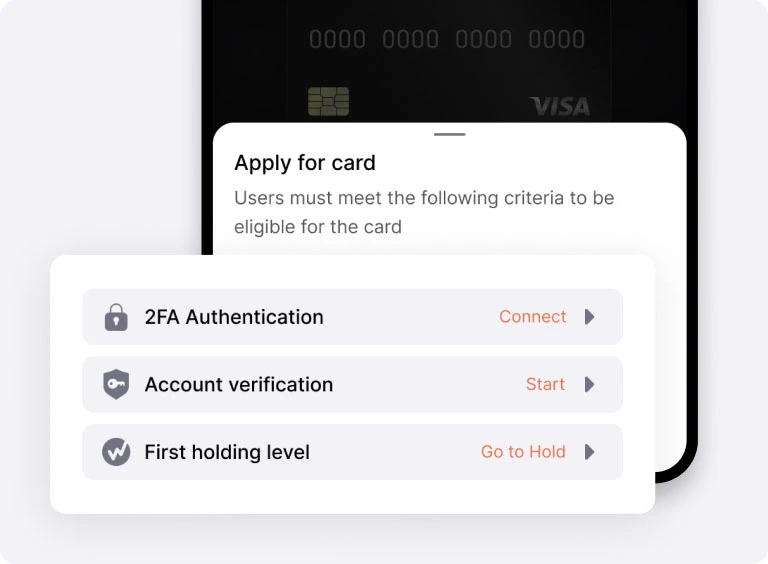
Step 1: Check the basic requirements
Before applying for the Nexoro card registration, make sure you have activated 2FA in your exchange account, verified your identity, and have the first Holding level.
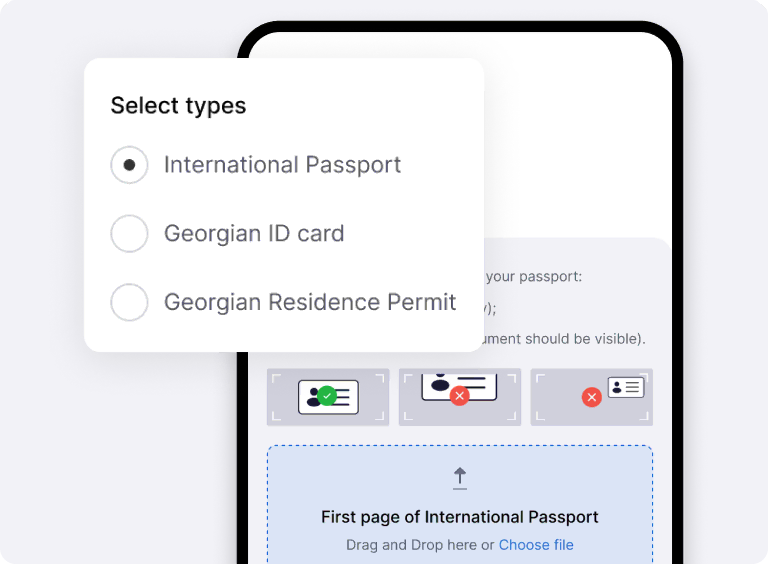
Step 2: Complete quick verification
To apply for a card, you need a passport or residence permit. Having one of these documents will help you pass the verification stage quickly.
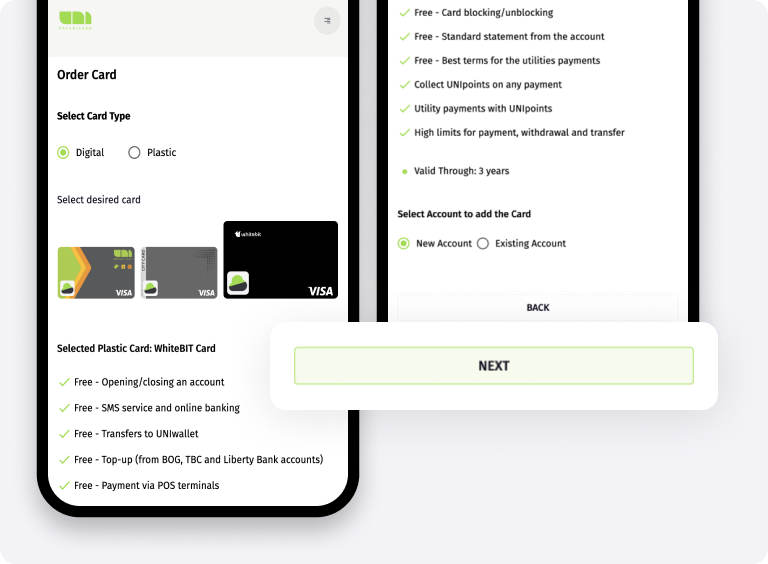
Step 3: Apply for KYC at PayUnicard
Complete the necessary steps to register the card on the PayUnicard website. You will need to provide personal information and wait for the result.
Step 4: Download the PayUnicard app
Download the PayUnicard app to check the application status and manage your Nexoro card.
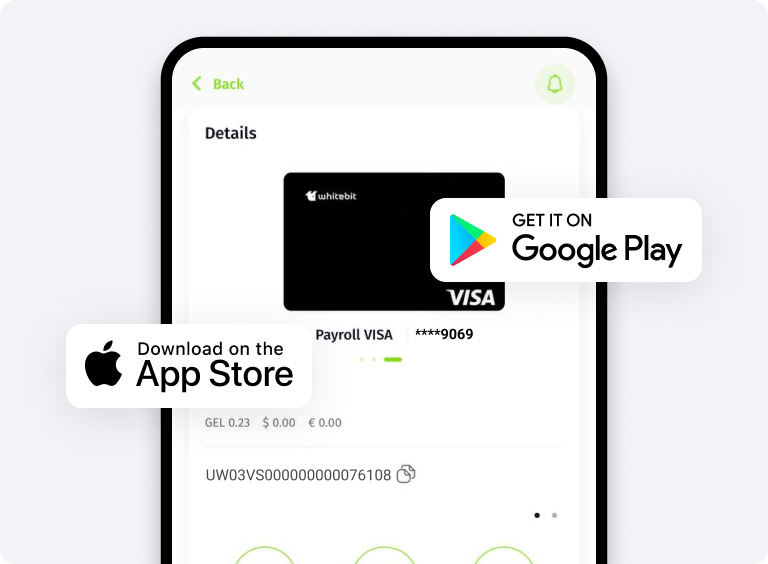
Step 5: Done! The Nexoro card is at your service
We are pleased to provide top-notch services for your comfort. Enjoy the convenience and versatility of the product today!
Roadmap
Launch of the digital Nexoro card
We created a digital version of the card for convenient and fast payments
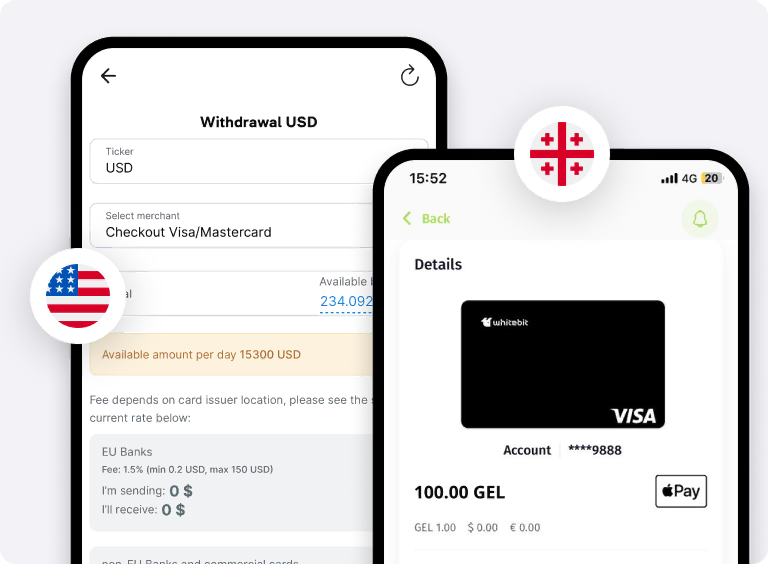
Support for Apple Pay and Google Pay
Connected Apple Pay and Google Pay. Add the card to your wallet and use it anytime!
Launch of the Nexoro Card loyalty program
Cashback, promotions, loyalty program, and much more.
Stay tuned for updates!
Many more new features coming soon
Terms and Fees
Package
Standard
Card features
Digital Card for Individuals
Card class
VISA Prepaid
Validity period
3 Years
Opening a PayUnicard account
Free
Daily ATM withdrawal limit (24 hours)
1,500 USD or equivalent in EUR/GBP
Monthly/Annual service fee
Monthly 2.5 USD or Annually 24 USD, or equivalent in EUR/GBP
24-hour purchase limit
3,000 USD or equivalent in EUR/GBP
ATM withdrawal fee
2.8%
Maximum number of active cards per client
1 Card
SMS service and online banking
Free
Fee for transfers within the PayUnicard wallet
Free
Transfer limit within the PayUnicard wallet
Unlimited
Card-to-card transfer fee
2.5%
Card stop-list management (online blocking/unblocking)
Free
Withdrawal via PayUnicard Wallet
Free
Top up via PayUnicard wallet
0.2% USD/EUR/GBP
Package
VIP
Card features
Digital card for individuals
Card class
VISA Prepaid
Validity period
3 years
Opening a PayUnicard account
Free
Daily ATM withdrawal limit (24 hours)
2,000 USD or equivalent in EUR/GBP
Monthly/Annual service fee
Monthly 4 USD or annually 38 USD, or equivalent in EUR/GBP
24-hour purchase limit
15,000 USD or equivalent in EUR/GBP
ATM withdrawal fee
2.8%
Maximum number of active cards per client
2 cards
SMS service and online banking
Free
Fee for transfers within the PayUnicard wallet
Free
Transfer limit within the PayUnicard wallet
Unlimited
Card-to-card transfer fee
1.5%
Card stop-list management (online blocking/unblocking)
Free
Withdrawal via PayUnicard Wallet
Free
Top up via PayUnicard wallet
0.2% USD/EUR/GBP
FAQ
What currencies does the Nexoro card support?
Which currencies can be withdrawn from the Nexoro card?
How can I send funds to the Nexoro card?
Why is additional verification needed?
How to top up the card's tariff plan?
What additional security settings are there?
Get the Nexoro card in a few simple steps